Cafés · studios · shops · Android
A virtual tour for your business — café, studio or shop
Let people step inside before they visit: see the room, the atmosphere and where everything is. Someone on your team films it with an Android phone in a few minutes, and the link lives on your website, your social pages and in chats with customers.
Who it's for
Cafés and restaurants
The room, the terrace, where a group can sit — guests see it before they come or book a table.
Studios and salons
Yoga, dance, photo, tattoo, beauty: people see the space and feel easier booking a first visit.
Shops and showrooms
How things are laid out and what's on the shelves — before the trip.
Apartments, hostels, coworking
Rooms, shared areas, desks — without a dozen photos from one corner.
How to film it without fuss
- Film before opening or after closing: no customers in the frame — both the rules and the tour's quality call for it.
- Turn on all the lights. After filming, the app checks sharpness, lighting and lamp flicker, and tells you if it's better to film again.
- A small room takes 2–3 minutes of filming; a bigger space can be up to 15 minutes in one tour.
- Shop windows, mirrors and screens come out worse than furniture and walls.
No venue example yet
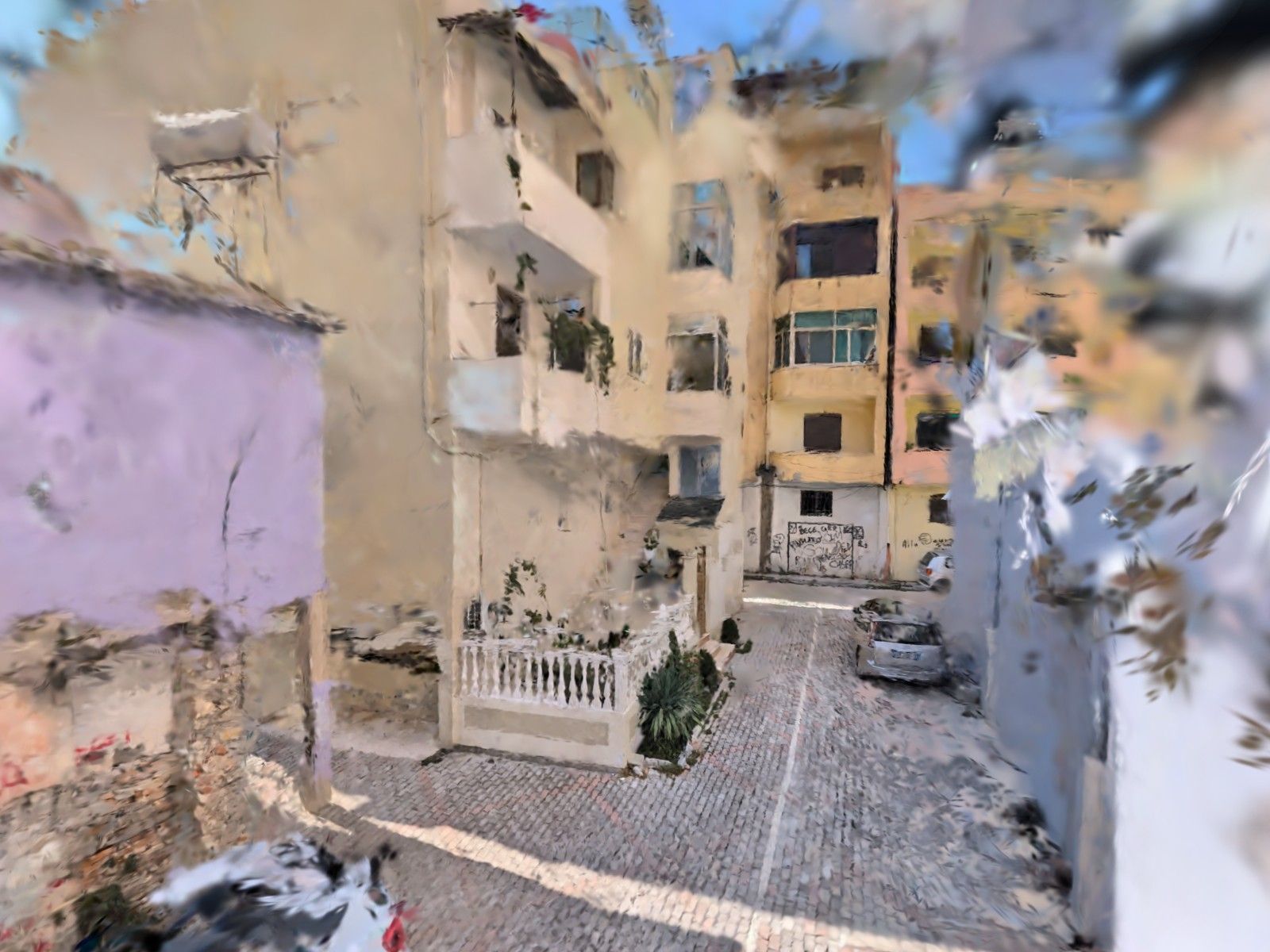
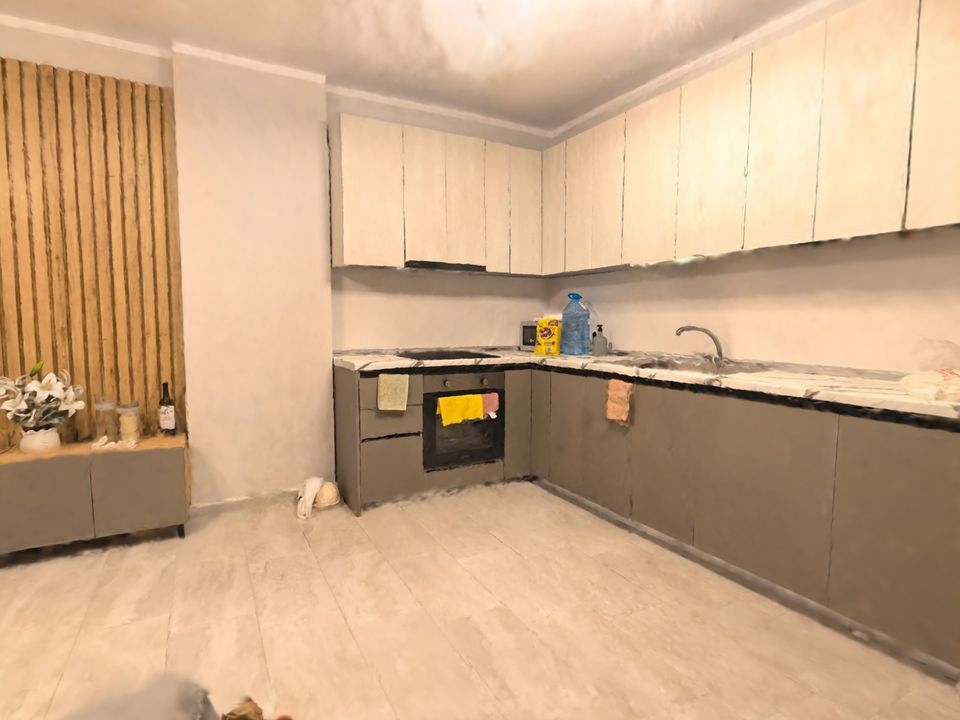
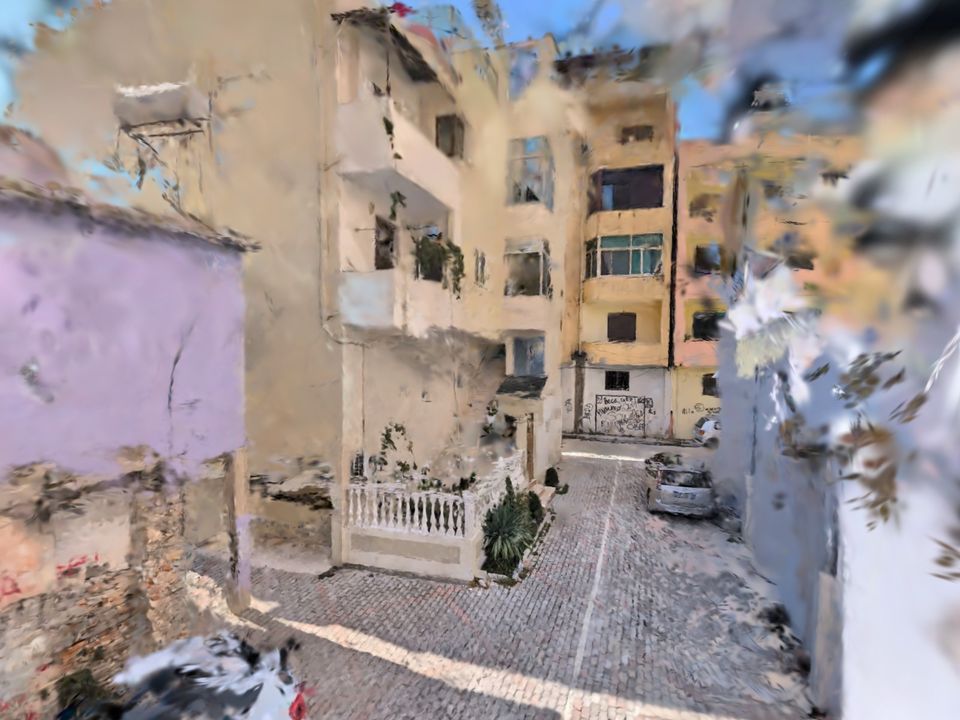
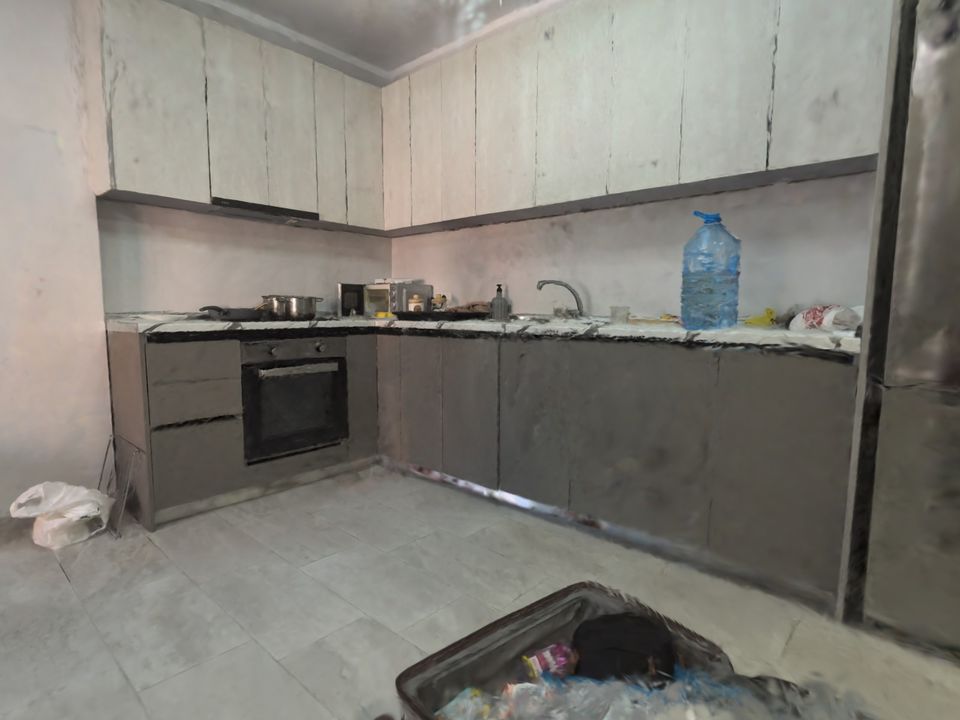
A café tour is filmed exactly like these: see what indoor spaces and outdoor filming look like.
Film your own 3D tour
You need an Android phone with ARCore (Android 9 or newer). New users get 3 minutes of filming free.