Example · outdoors · ≈ 18 MB
A 3D tour of a yard and street, filmed on a phone
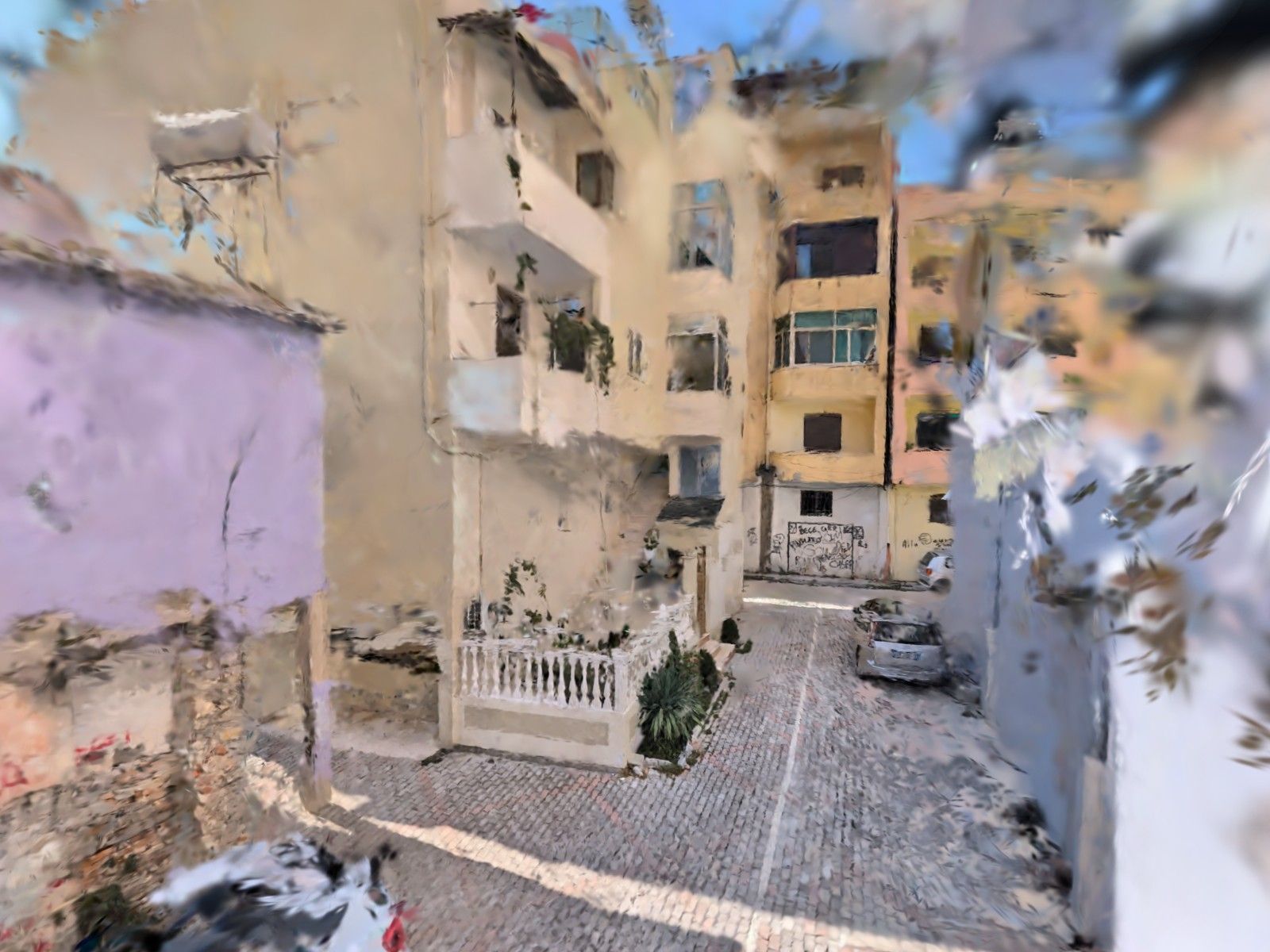
This one was filmed outdoors: a paved yard, the buildings around it, cars parked by the kerb. A tour like this shows how to get to an entrance and what's nearby — and it's honest about the limits of the technology.
The tour (about 18 MB) only starts loading once you tap. Phone: left thumb walks, right thumb looks. Computer: WASD and the mouse.
- What
- a yard and a street
- Filmed with
- an Android phone, no LiDAR, no tripod
- When
- 16 September 2026, daytime
- Tour size
- ≈ 18 MB
What came out well
The paving, the balustrade, the façades and balconies nearby, the parked cars — everything the phone walked past. You can cross the yard and see where the street leads.
What didn't
Sky and trees turn into clouds of blotches: leaves move, and the sky has no detail for the camera to hold on to. Distant buildings are blurry — nobody walked up to them. Step away from the filming route and the tour falls apart into shreds. Outdoors, tours are rougher overall than indoors.
When it makes sense
To show the way into a yard, a building entrance or the path from the street to the door — for guests, tenants or buyers. Film in daylight on a calm day, walk slowly and stay close to what you want to show. Avoid people in the frame: the rules ask for it, and the tour comes out cleaner.
Film your own 3D tour
You need an Android phone with ARCore (Android 9 or newer). New users get 3 minutes of filming free.