3 tours · Android phone · September 2026
3D tour examples filmed on a phone
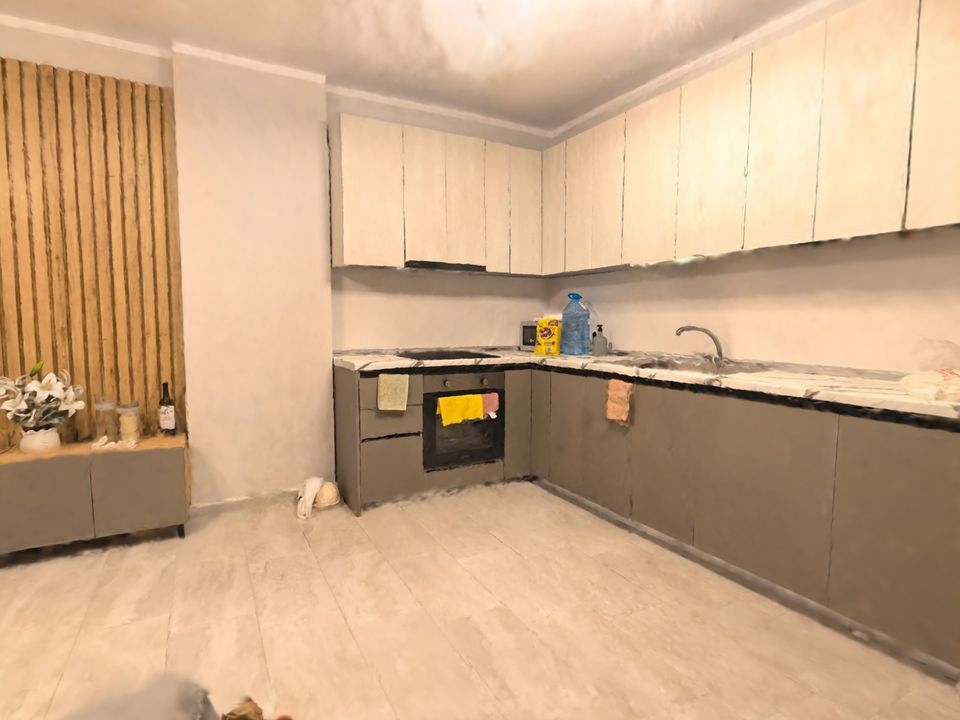
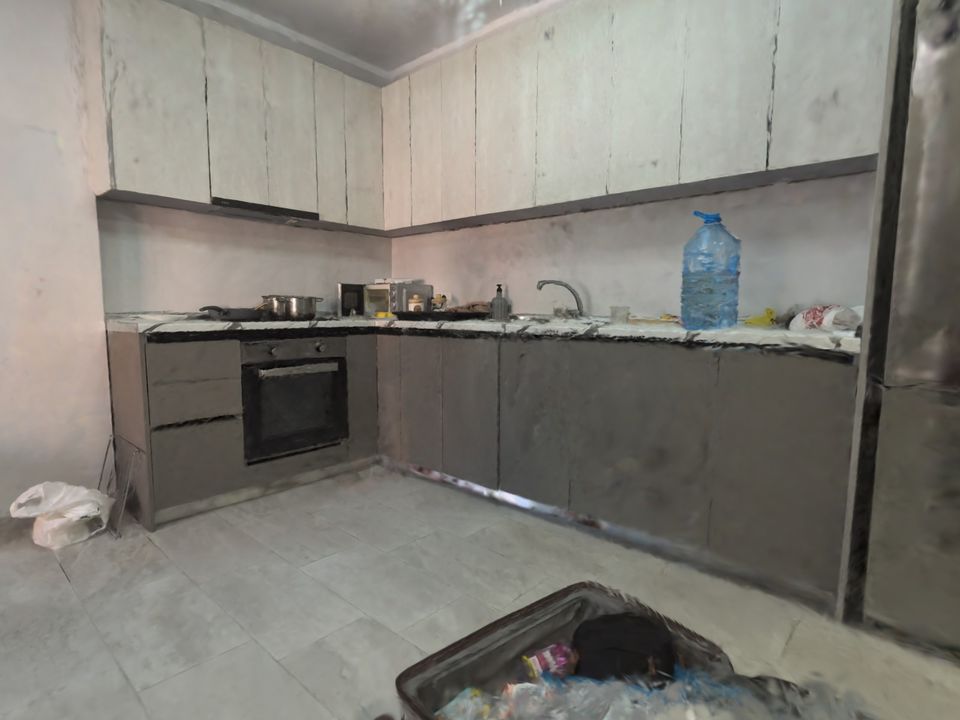
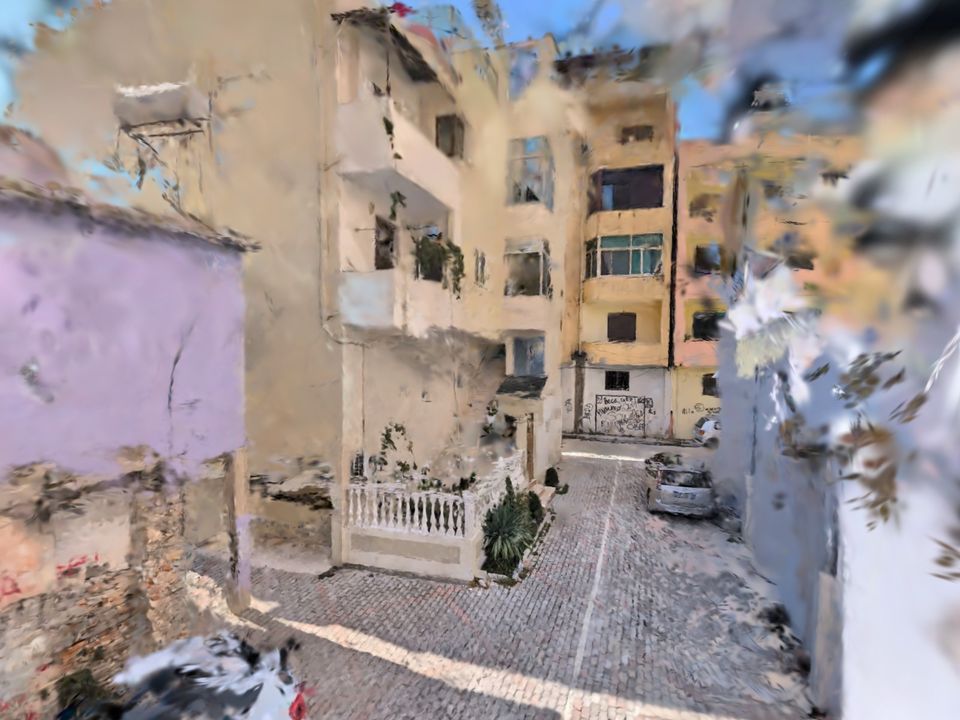
These are real Wanderspace tours: filmed on an ordinary Android phone and processed in our cloud. So you can see both what a 3D tour does well and where it still falls short.
Three tours
Each page says what's in the tour, how it was filmed and what didn't come out right. The tour itself only loads when you open it.
How to look around
Tours open in the browser — no app needed. On a phone, your left thumb walks and your right thumb looks around; the ▲▼ buttons move you up and down. On a computer, use WASD, hold the mouse to look, Q and E to go down and up, Shift to move faster. The ↺ button at the top takes you back to the start.
Each tour weighs 11–18 MB — more than this whole page. That's why it only starts loading once you tap; on mobile data that can take anywhere from a few seconds to half a minute.
What the examples show
Comes out well
Furniture, cabinet fronts, tiles, wood, things on the counter — anything the phone saw up close and from several sides. Light and colours look the way they did in the room.
Comes out worse
Glass, mirrors, glossy surfaces, sky and trees outdoors, and corners the camera barely looked at: that's where blurry patches appear.
Not included
Measurements, floor plans and labels. A tour is a space you can walk through, not a drawing.
Film your own 3D tour
You need an Android phone with ARCore (Android 9 or newer). New users get 3 minutes of filming free.