Example · kitchen and living room · ≈ 12 MB
A 3D tour of a kitchen and living room, filmed on a phone
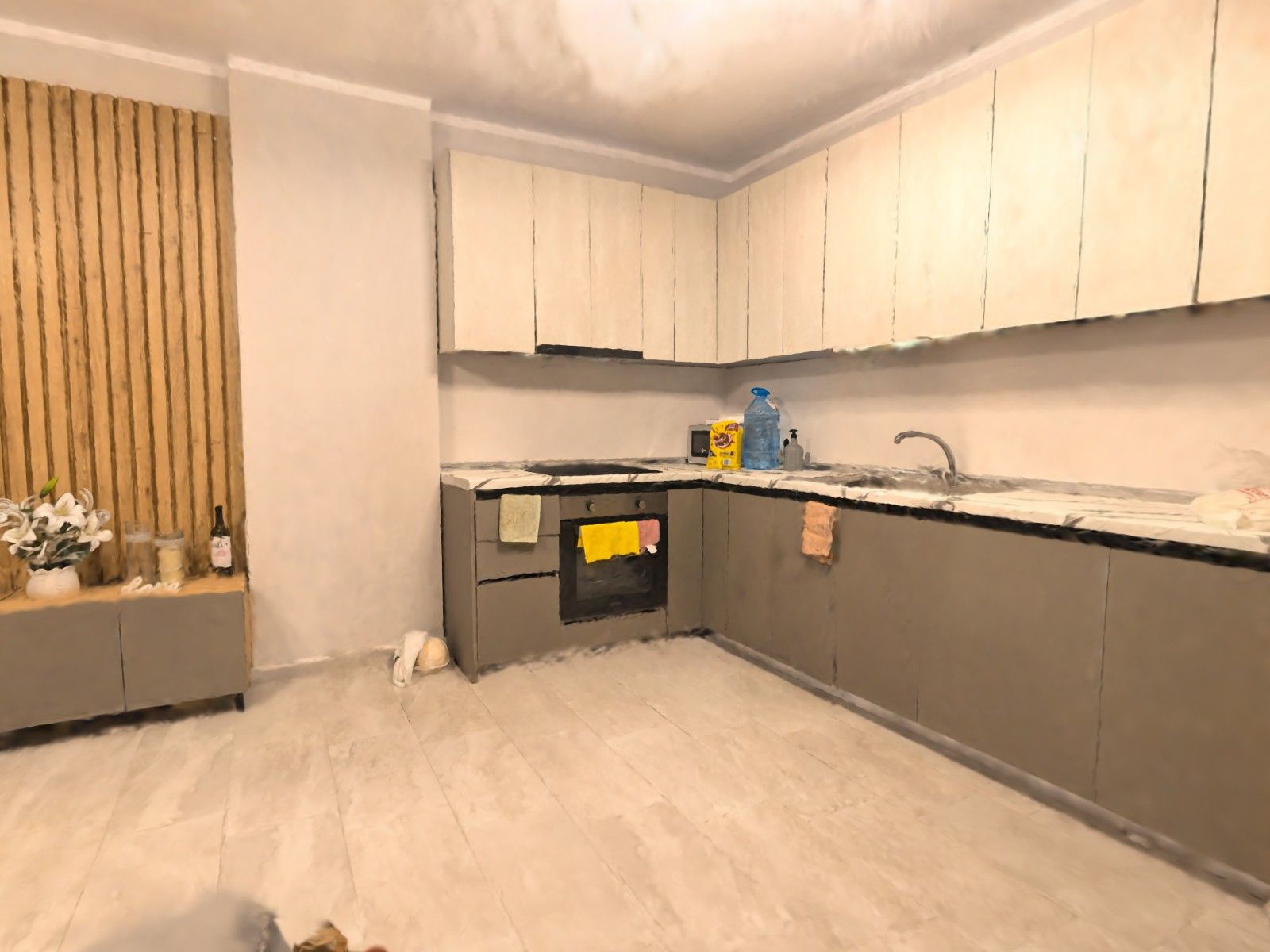
An open-plan kitchen and living room, filmed on an Android phone with the lamps on and processed in our cloud. Walk through it — from the stove to the sofa and the window, wherever you like.
The tour (about 12 MB) only starts loading once you tap. Phone: left thumb walks, right thumb looks. Computer: WASD and the mouse.
- What
- kitchen and living room, one space
- Filmed with
- an Android phone, no LiDAR, no tripod
- When
- 22 September 2026, by lamplight
- Tour size
- ≈ 12 MB
What's in the tour
A corner kitchen with an oven and a sink, a wooden slat panel, a TV unit, a sofa, a coffee table and a glass door. You can walk up to the counter, turn around and see how the kitchen flows into the living room — something no single photo from one corner can show.
What came out well
Cabinet fronts, floor tiles, the wood grain, things on the counter: a bottle of water, the microwave, towels on the oven handle. The warm lamplight and the colours look the way they did in the room.
What didn't
The glass door is smeared: tours handle glass badly, and it was dark outside. The ceiling is blotchy at the edges — the camera hardly looked there. Clothes on the chair and things on the coffee table are blurry, and there are dark gaps by the hallway door: it was filmed only in passing.
How to film one like it
- Turn on all the lights.
- Walk slowly and sweep the phone across every wall, as if you were showing the room to a friend on a video call.
- Look into the corners and up at the ceiling; go back to places you've already filmed.
- Don't point the camera straight at glass or mirrors from up close.
- One room takes 2–3 minutes of filming.
Film your own 3D tour
You need an Android phone with ARCore (Android 9 or newer). New users get 3 minutes of filming free.