Long-term and short-term rentals · Android
Rental virtual tours for landlords and Airbnb hosts
Film a flat or an apartment with an Android phone. Tenants can walk through it in their browser before a viewing; short-stay guests can see it on your own website, your social pages, or via a link you send after they book.
How it works
Film
Walk slowly through the place with an Android phone. The app shows what's already filmed and tells you when to slow down, turn on a light or go back. A room takes 2–3 minutes of filming, a flat with 2–3 rooms about 10.
Send
The capture uploads to the cloud on its own — you can close the app, and a dropped connection picks up where it left off. The tour is usually ready in half an hour to a few hours; you'll get a notification.
Share
One short link — for a chat, a listing or an email. It opens in the browser on phones and computers, with no app and no sign-up.
Who it's for
Landlords
Fewer viewings that end with “not quite right”: the layout and condition are visible in advance.
Short-stay hosts
On your website or social pages, the tour shows the bed, the kitchen and the bathroom while people are still choosing; sent after a booking, it helps guests find their way before check-in.
Anyone managing several flats
Each one gets its own tour and link. After a renovation or new furniture, just film a new tour.
What to know
- A tour shows the place exactly as it was filmed: put away personal things and documents, and film with no people in the frame.
- Links can be forwarded. Once the place is let, close the link or replace it — the old one stops working at once.
- Glass and mirrors come out worse — you'll notice it in the bathroom.
- There are no measurements or floor plans.
See what it looks like
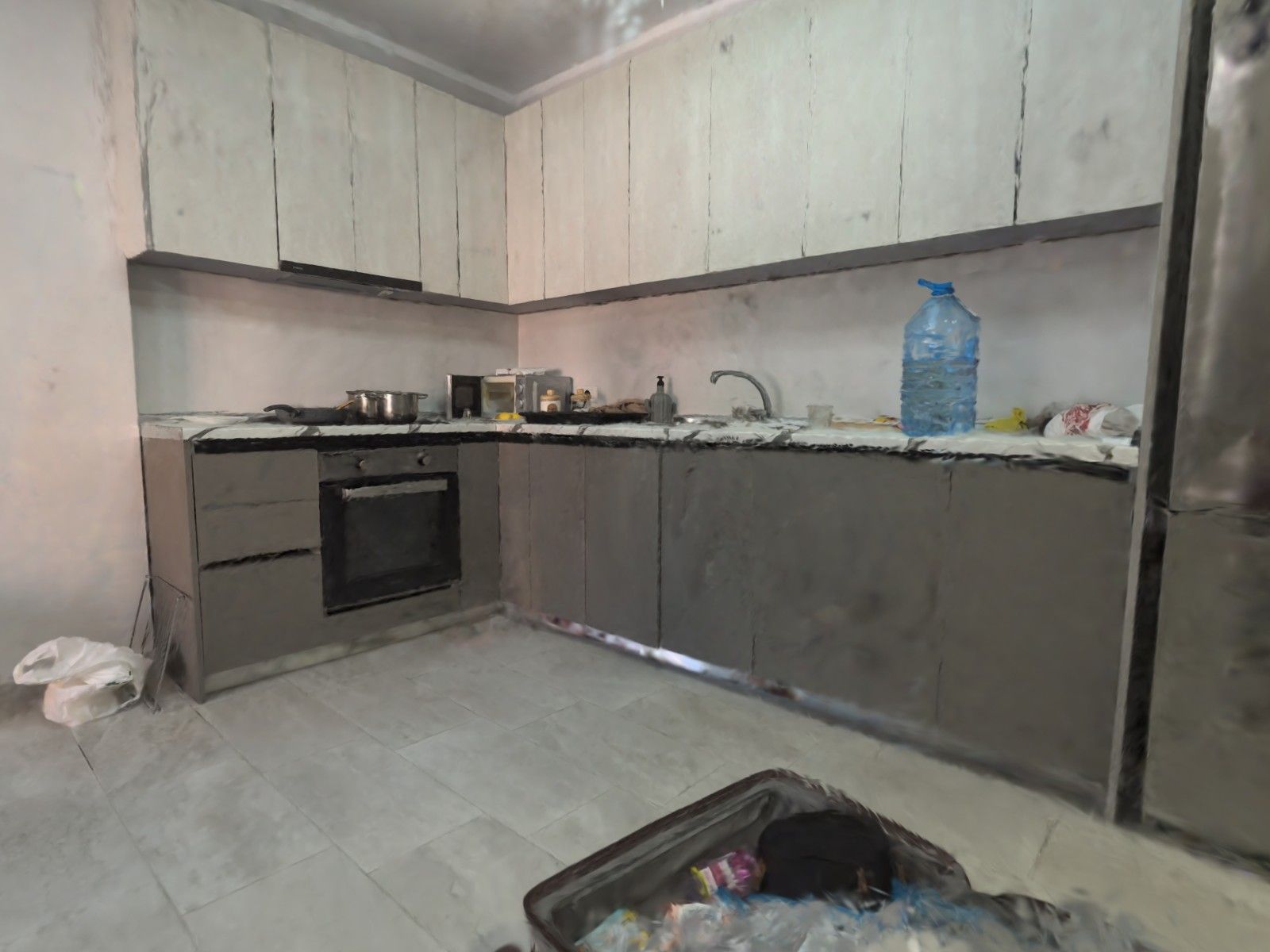
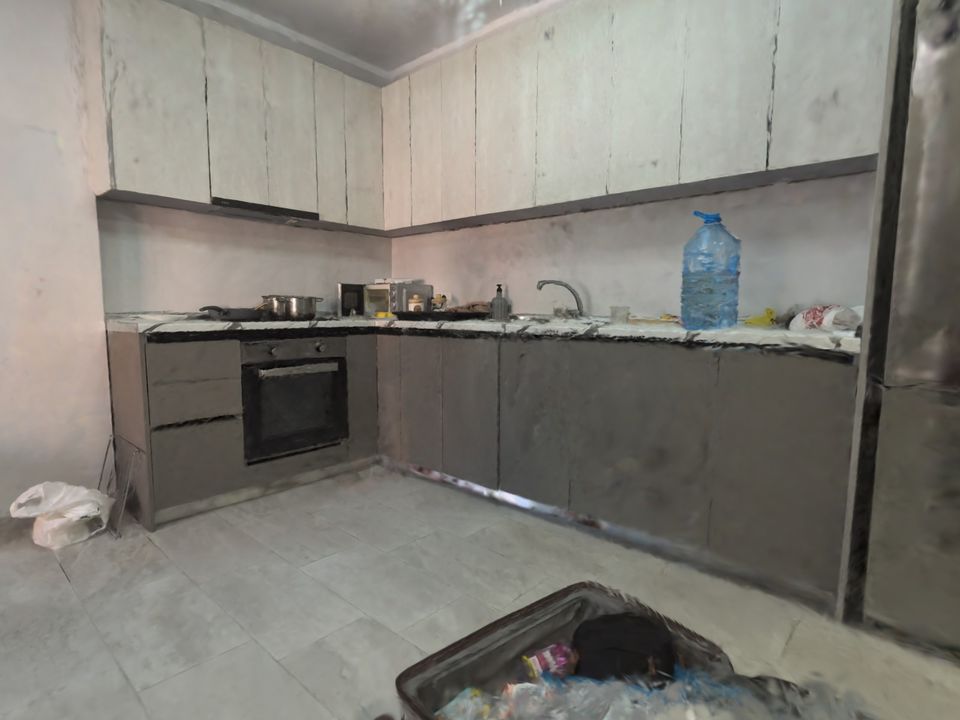
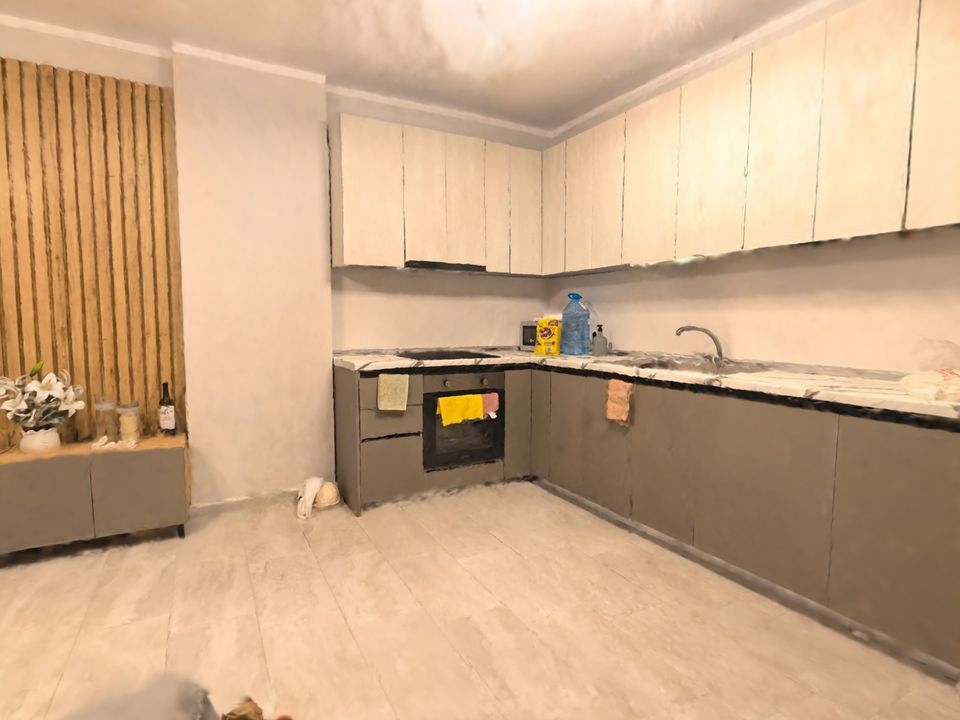
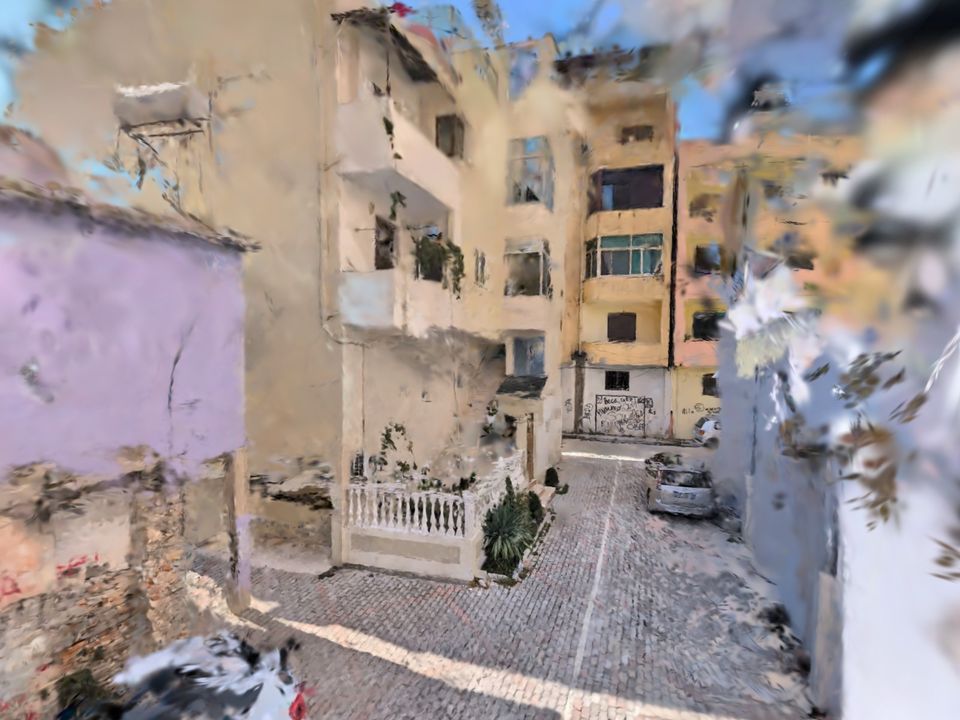
Real tours filmed on a phone — with what came out well and what didn't.
Film your own 3D tour
You need an Android phone with ARCore (Android 9 or newer). New users get 3 minutes of filming free.